
In the fast-paced world of website design, seemingly simple details can have a big impact on the user experience. One of these important details is micro-interactions, which play a prominent role in professional designs today.
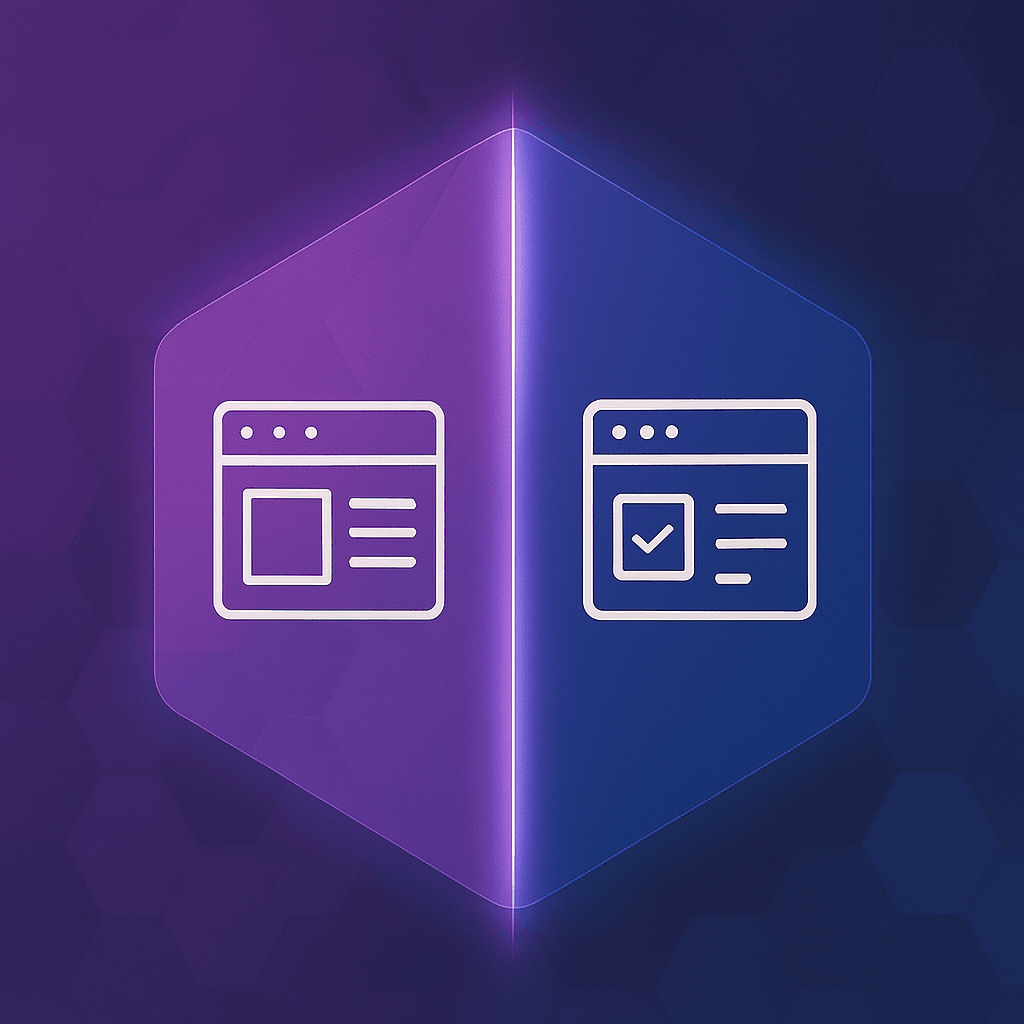
Micro-interactions are subtle and short actions that a user encounters when interacting with a digital interface. The purpose of these interactions is to improve the user experience, provide feedback, and create a sense of natural interaction between the user and the system.
What exactly are micro-interactions?
Microinteractions typically include events that fire in response to user actions. These interactions may include changing the color of a button on hover, displaying an error message when entering incorrect information, or a form submission confirmation animation.
Examples of small interactions:
• Change the icon when clicking
• Vibrating the form when entering wrong information
• Loading animation when registering the form
• Change the appearance of the button after clicking
Why are small interactions important?
1. Improving user experience (UX): These interactions make users feel better about the system and interact more easily with the website.
2. Increasing understanding and communication with the interface: small interactions help users understand how the system reacted to their behavior and what the next step is.
3. Error Reduction: By providing immediate visual feedback, users can more easily correct their mistakes.
4. The sense of professionalism of the site: a website that pays attention to small interactions looks more professional and updated from the user's point of view.
Small interaction components
Each mini-interaction consists of four main parts:
• Trigger: User or system action that initiates the interaction.
• Rules: Determines what happens in response to the stimulus.
Feedback: The result that the user sees or feels.
• Modes & Loops: Specific conditions or iterations that affect the interaction.
micro interaction
A variety of small interactions on the website
• Button animations when clicking or hovering
• Progress bar when loading
• Success or error messages after form submission
• Animation in the shopping cart icon when adding products
• Effect of mouse movement on page elements
Common technologies for building small interactions
• CSS Animation and Transition
• JavaScript and libraries like GSAP
• Lottie for JSON animations
• Framer Motion in React projects
• Tailwind CSS with animation plugins
Tips for designing effective mini-interactions
• Be simple and short
• Attract the user's attention but do not distract
• Be consistent with the brand and design language of the website
• Work well on all devices (responsive).
• Provide immediate and clear feedback
The impact of small interactions on SEO
Small interactions indirectly play an important role in SEO. By improving the user experience, these features increase the user's retention time, reduce the bounce rate, and improve the evaluation of the site's quality by Google's algorithms.
summary
Although small interactions seem simple and short, they have great power in improving the user experience and increasing the visual quality of the site. Designers who pay attention to these details not only create more beautiful sites, but also improve technical performance and user interaction.
If you want to have a modern, user-friendly and SEO-optimized site, take the design of small interactions seriously from today.
Subscribe
Get our latest posts in your inbox.