What is user interface design (UI Design)? Complete guide
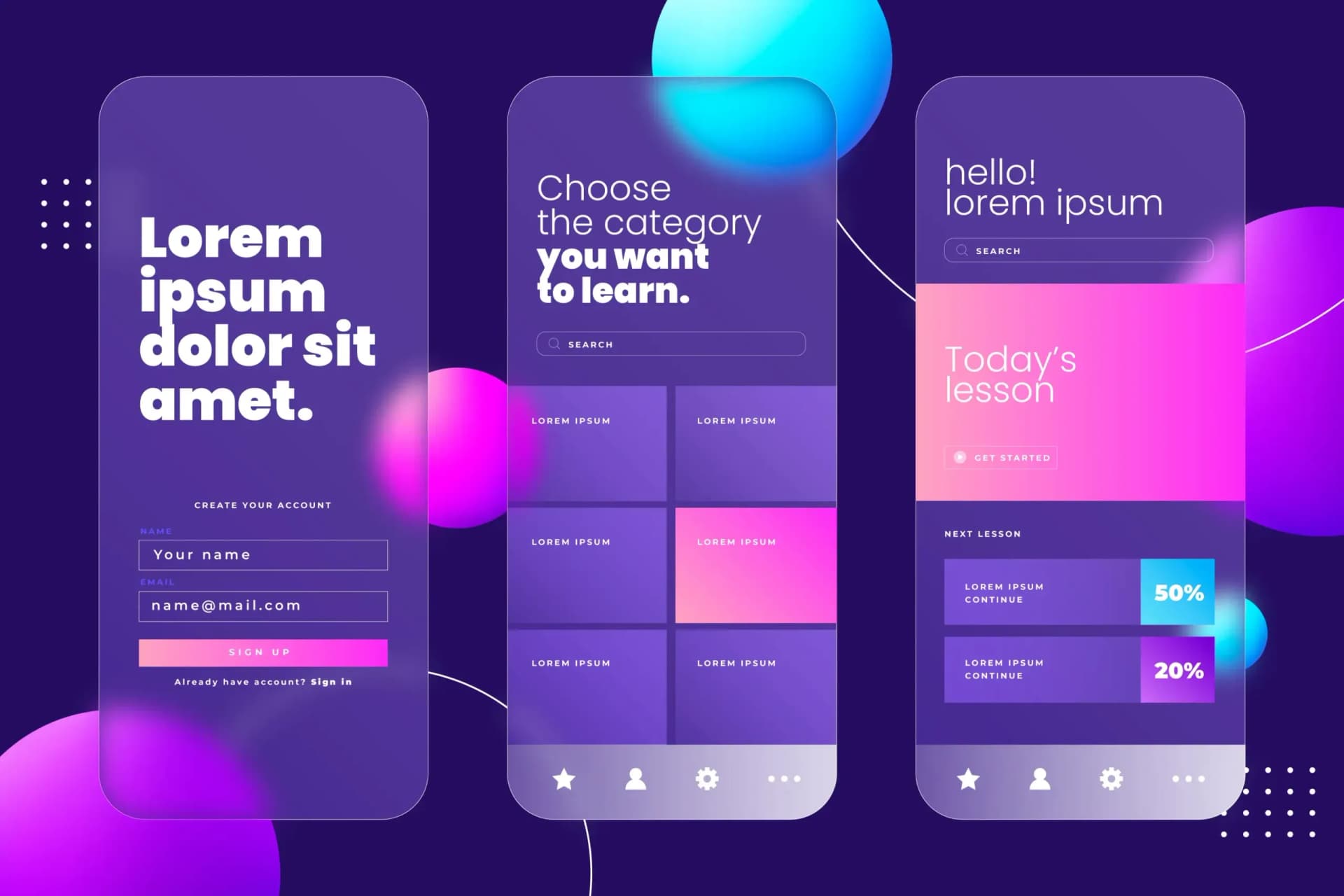
User Interface Design or UI Design is the process of creating the visual appearance and arrangement of components of an application or website. The main goal of user interface design is to create a simple, beautiful and understandable experience for the user; In a way that interacts with the product without confusion.
What is the difference between UI and UX?
Many people confuse UI and UX. While:
• UX (user experience) is related to the user's overall experience of working with the product.
• UI (user interface) refers to the appearance, colors, fonts, buttons, icons and arrangement of elements on the page.
Simply put: UX is what the user experiences, UI is what the user sees and touches.
Why is user interface design important?
Even the best product cannot attract users if UI design is not done properly. A poor user interface leads to:
• User dissatisfaction
• Reduced conversion rate
• Fast exit from the site (high bounce rate)
• Decreased trust in the brand
On the contrary, beautiful and standard design can increase the rate of engagement, sales and satisfaction.
User interface design
Important principles in user interface design
• Simplicity: The design should be simple, clear and without clutter.
• Consistency: uniform use of colors, icons and fonts on all pages.
• Clarity: Each element must have a clear meaning and function.
• User feedback (Feedback): The user should be informed of the result of his action (for example, with an animation or a success message).
Accessibility: All users, even people with physical limitations, should be able to use the UI easily.
Commonly used tools in user interface design
• Figma
• Adobe XD
• Sketch
• Zeplin
• InVision
These tools help designers to provide interactive and extensible designs for programming teams.
User interface design steps
• User research: understanding the needs, expectations and behaviors of target users
• Wireframe construction: basic design without visual details to define the overall structure of the pages
• Graphic design: applying colors, fonts, images and visual elements
• Prototyping: creating an interactive sample for testing by users
• Handover to the development team: with full guidance on how to use the components
conclusion
The user interface is the bridge between the user and the product. If this bridge is not designed properly, even the most powerful systems cannot satisfy the user. Professional UI design means respecting the user's time and feelings.
Subscribe
Get our latest posts in your inbox.