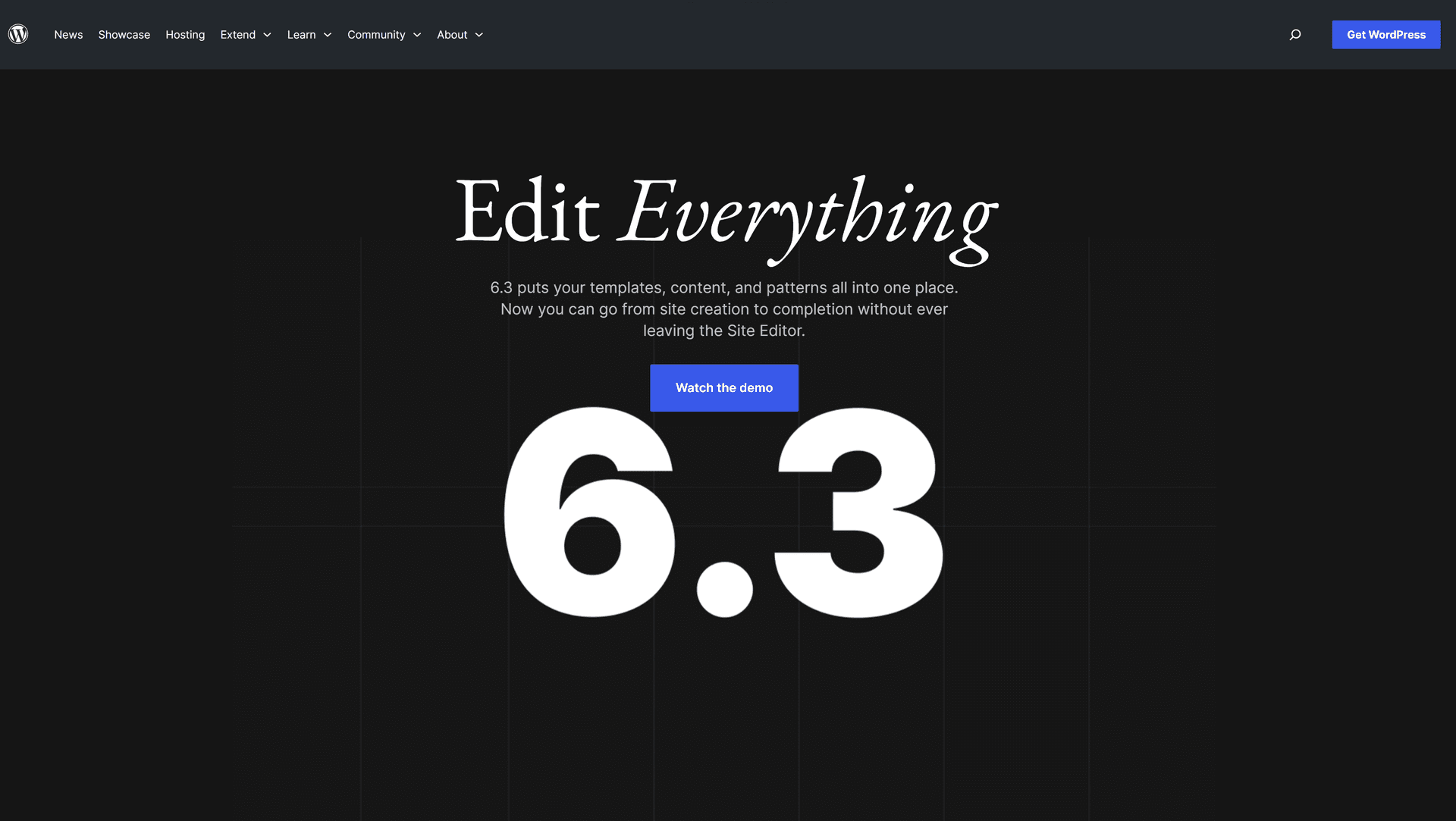
As one of the most popular website builders in the world, WordPress 6.3 has been able to greatly improve the experience of building and managing websites for its users by providing new features and meaningful updates.
Major changes in version 6.3
Version 6.3 has taken the user experience to a new level with major updates in areas such as optimizing loading speed, increasing security and adding powerful tools for content editing.
The importance of updating WordPress
Keeping your website up-to-date with the latest version of WordPress is very important. Doing this allows you to take advantage of the features and better security of your WordPress website and reduces the possibility of security holes in WordPress.
Extensibility and plugins in WordPress 6.3
One of the interesting features of version 6.3 is the ability to add different plugins to your website. These plugins can greatly expand the capabilities of WordPress.
Design version 6.3: beauty and simplicity
The user interface design of version 6.3, focusing on beauty and simplicity, allows users to create attractive and user-friendly websites. (Visual Edit)
Search Engine Optimization (SEO)
WordPress 6.3 offers search engine optimization tools. By doing this update, your website will improve in the search results.
WordPress security version 6.3
One of the priorities of version 6.3 is to increase the security of websites. From new security features to multiple security solutions, version 6.3 protects your data.
How to update to WordPress version 6.3
Updating to version 6.3 is very easy. You can easily update to the new version from the WordPress dashboard. Follow the steps below to update to the new version: First, enter the counter, go to the updates section, click the blue button to update to version 3.6.
*Caution, common sense, be sure to make a backup of your WordPress before updating.
Subscribe
Get our latest posts in your inbox.